Super Smash Flash
by Community
Hollow Knight
Mini Zombie Shooters
Paper.io
Pizza Tower
Super Liquid Soccer
Obby But Youre On A Bike
Tunnel Rush
Escaping The Prison
Moto X3m

Bloonstd 2

Happy Wheels
Moto X3M Pool Party
Subway Surfers
Ragdoll Archers

This is the Only Level
Learn 2 Fly 2
Escape Road City 2
Sydney Shark

Moto X3M Spooky Land
Madalin Stunt Cars 2

Papas Cupcakeria

Jetpack Joyride
ULTRAKILL
Cactus Mccoy 2
Crazy Cars
Snowball.io

Burrito Bison
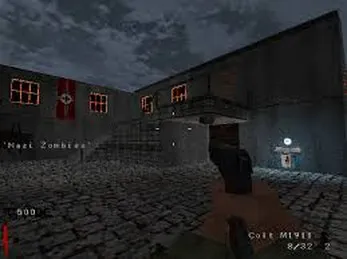
COD Zombies Portable
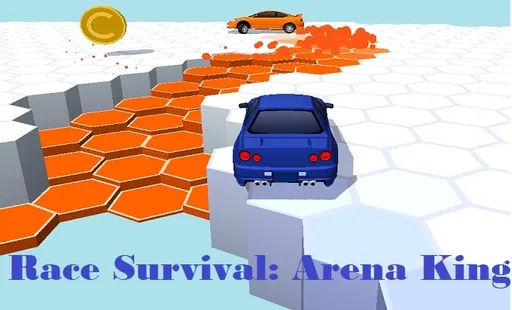
Race Survival Arena King

Football Legends

Fancy Pants Adventures World 3
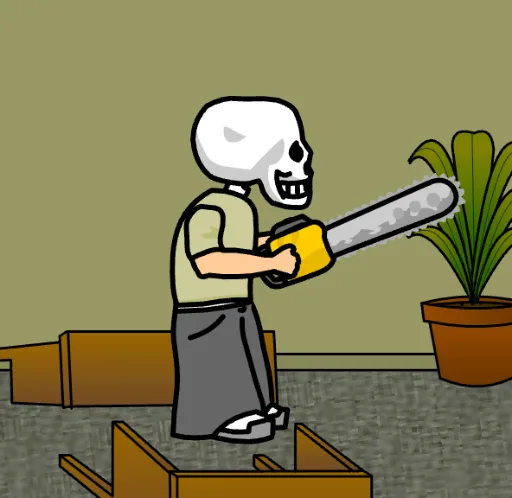
Floor One (The Chainsaw)
Browse by Category
You Might Also Like
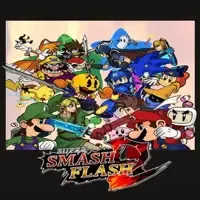
About Super Smash Flash
Local multiplayer battlesIconic Nintendo charactersClassic Smash Bros stagesUnique character special moves
How to Play Super Smash Flash
Controls
Frequently Asked Questions
Can you play Super Smash Flash multiplayer?
Yes, Super Smash Flash supports local multiplayer, allowing you to battle against friends on the same computer. You can compete head-to-head in classic Smash-style matches across the game's available stages.
What are the controls for special moves in Super Smash Flash?
Press the S key to perform special moves, and you can combine it with arrow key directions to execute different special attacks depending on which way you're holding. Each character has unique specials, so experimenting with directional inputs will help you discover your fighter's full moveset.
Is Super Smash Flash the same as the official Nintendo Super Smash Bros games?
No, Super Smash Flash is a fan-made browser tribute inspired by Nintendo's Super Smash Bros series, not an official Nintendo product. It recreates the core gameplay style and features iconic characters, but it is an independent fan project that runs free in your browser without any download.
How can I play Super Smash Flash for free?
You can play Super Smash Flash for free right here on GlorpMath. No downloads, sign-ups, or payments required. Just click play and start having fun instantly!
Does Super Smash Flash work on school Chromebooks?
Yes! Super Smash Flash runs directly in your browser and works great on Chromebooks, laptops, tablets, and phones. No installation needed.
Is Super Smash Flash unblocked?
GlorpMath hosts Super Smash Flash directly on our servers, making it accessible from most school and work networks. Just visit GlorpMath and start playing!